
NFC and QR solve the same basic problem in different ways: opening a digital destination on another person's phone. The important choice is not which technology sounds newer, but where you meet customers and how you expect them to open your information.
Choose QR when you need something visible that can be printed, displayed on a screen, or sent remotely. Choose NFC when you want a tap-based in-person handoff and your recipient has a compatible NFC-enabled phone. You can use both with the same digital business card URL.
How an NFC business card works
An NFC card or tag stores a small record such as a web URL. On a compatible NFC-enabled phone, bringing the tag close to the device can prompt the phone to open that destination.
NFC is useful for face-to-face meetings because the physical card can feel natural to present. Compatibility and NFC settings vary by device, so keep a QR code available as a fallback.
- Good for in-person tap sharing
- Requires an NFC tag or card
- Requires a compatible NFC-enabled recipient device
- Can point to the same editable profile as a QR code
How a QR business card works
A QR code visually encodes a destination such as a web page or contact. The recipient scans the code with a compatible phone camera or QR scanner and opens the result.
QR is especially useful because the code can appear on a printed card, brochure, counter display, presentation, or screen. The QR image itself can also be shared remotely.
- Useful on printed materials and screens
- No NFC tag is required
- Easy to duplicate across multiple physical materials
- Can point to the same editable profile as NFC
NFC or QR: choose by situation
For a one-to-one sales meeting, NFC can make the handoff quick while a printed QR gives the recipient another option. At a shop counter, exhibition stand, brochure, or poster, QR is usually easier because many people can scan the same visible code.
For WhatsApp, email, or social sharing, send the digital profile link directly rather than forcing a person to scan a QR code shown on the same phone.
- One-to-one meeting: NFC plus QR fallback
- Counter or event display: QR
- Printed brochure or visiting card: QR
- Remote message or email: direct profile link
Using both with DigitingCard
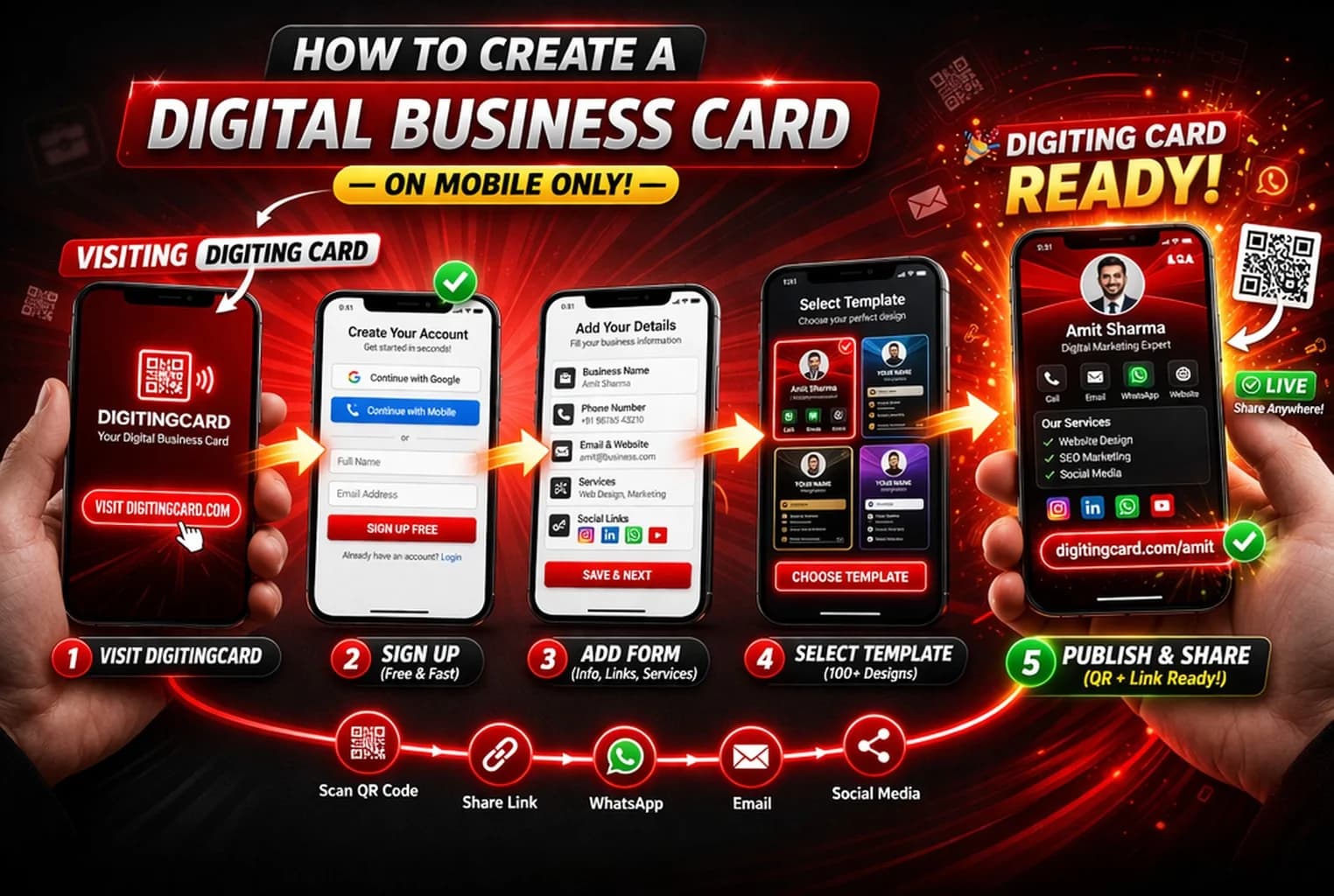
A DigitingCard has a public URL. You can turn that URL into a QR code and, separately, write the same URL to a compatible NFC card or tag. Because both methods open the online profile, supported profile details can be updated without replacing the URL.
If you already own an NFC card or tag, you do not need a separate DigitingCard product just to make NFC work; write your public card URL using a compatible NFC-writing method and test it before relying on it at an event.
Frequently asked questions
Do I need both NFC and QR on a business card?
No. QR alone can be sufficient. Adding NFC can make in-person sharing more convenient on compatible phones, while keeping a visible QR code gives people another way to open the same profile.
Can NFC and QR open the same DigitingCard?
Yes. A QR code and a compatible NFC tag can both point to the same public DigitingCard URL.
Use one profile behind QR and NFC
Create your DigitingCard, share its URL directly, generate a QR code, or write the same URL to a compatible NFC tag.