
There is no single digital business card that is best for every professional. A salesperson may care about lead capture and analytics, a local shop may care about WhatsApp and location, and a large team may care about centralized administration. This guide focuses on the questions worth checking before you pay or move your contacts into any platform.
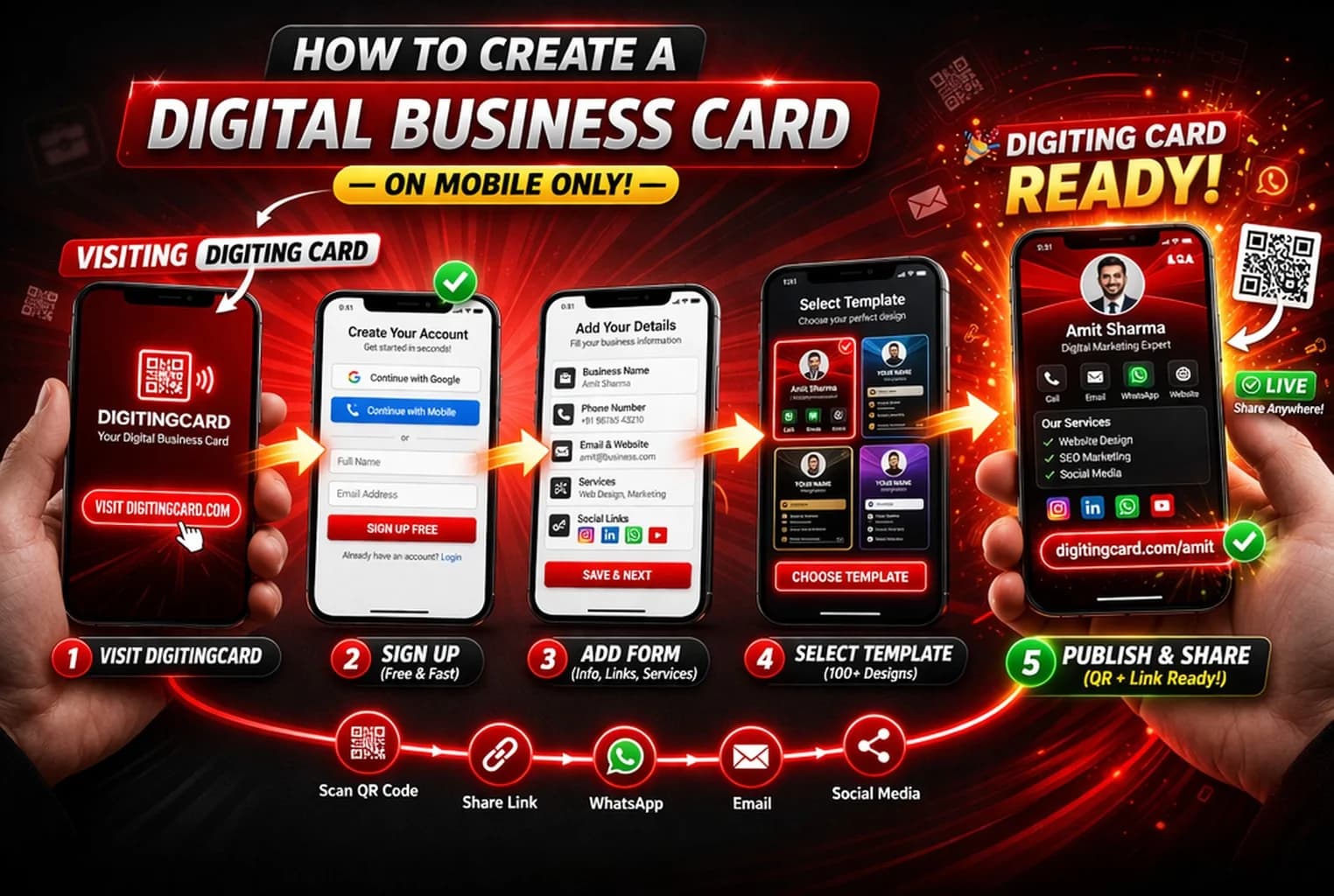
The right digital business card depends on how you plan to use it. Before choosing a product, check what the recipient sees, whether an app is required, how QR and WhatsApp sharing work, whether contact saving is supported, what the free-plan limits are, and which lead or analytics features require a paid plan.
Start with the recipient experience
Open a real example card on your own phone before comparing feature lists. A useful card should make it obvious who the person is, what the business does, and what the visitor can do next.
Check whether recipients need an account or app, whether the page works comfortably on mobile, and whether important actions such as call, WhatsApp, save contact, directions, or enquiry are easy to find.
- No unnecessary app requirement for the recipient
- Clear call, WhatsApp, and contact-saving actions
- Fast, readable mobile profile
- A shareable URL and QR code
- Useful business information rather than only social links
Compare features by the job you need to do
Feature counts can be misleading. A platform with fifty options is not automatically better than one that handles your main workflow well. Decide whether your priority is simple contact sharing, in-person NFC networking, a mini business profile, lead capture, team management, or something else.
DigitingCard currently offers Free, Commercial, and Enterprise plans for different levels of usage. Plan limits, included features, and promotional pricing can change, so use the live pricing page as the source of truth before choosing a plan.
- Simple contact sharing: vCard, QR, direct link
- Customer conversation: WhatsApp, call, location
- Business profile: services, products, documents, gallery
- Lead workflow: enquiries, lead limits, export, analytics
- Team workflow: card limits, branding, administration
- In-person use: QR plus compatibility with NFC tags/cards
How to compare competing products fairly
Use each provider's current official product and pricing pages as the source of truth. Pricing, free-plan limits, NFC hardware requirements, and team features can change, so avoid relying on an old comparison screenshot or a third-party price quoted without a date.
DigitingCard publishes this guide and is one of the products a reader may consider. That is why this page does not rank DigitingCard first by default. The better choice is the product that fits your workflow, budget, support needs, and recipient experience.
- Test a live card from each provider
- Check the official pricing page and renewal terms
- Confirm whether NFC hardware is optional or required
- Check export and ownership options before collecting leads
- Read privacy and support information
- Try the free tier before moving a team
Where DigitingCard fits
DigitingCard is designed around a shareable browser-based business profile that can combine contact details, WhatsApp, QR sharing, services, location, and supported enquiry actions. The recipient does not need a DigitingCard account to open a public card.
If all you need is a QR code that saves a contact, the free vCard QR generator may be enough. If you want a profile that stays editable and gives customers several next actions, a DigitingCard is the more relevant product to evaluate.
Frequently asked questions
What should I check before choosing a digital business card app?
Test a real card on mobile, check recipient app requirements, QR and WhatsApp sharing, contact saving, pricing limits, analytics or lead features you actually need, and the provider's privacy and support information.
Is a free digital business card enough?
It can be. A free tier is often enough for simple contact sharing. Upgrade only if you need more cards, stronger branding, advanced analytics, higher lead limits, export, or other paid capabilities.
See whether DigitingCard fits your workflow
Start with the Free plan, build one real card, and test the recipient experience before deciding whether Commercial or Enterprise features are useful for your workflow.