
Adding your business online helps customers discover your services, understand what you offer, and contact you more easily. With Digiting Card, you can add a free business listing by creating an account, filling in your business details, and submitting the listing for review.
A business listing is useful for freelancers, shop owners, service providers, consultants, local businesses, and growing companies that want a simple online presence without making the process complicated.
In this guide, you will learn how to add your free business listing on Digiting Card, what details to include, how review works, and what mistakes to avoid before submitting.
Quick answer
To add a free business listing on Digiting Card, sign up or login, open your dashboard, go to the Business Listing section, add your business details, submit the listing for review, and wait for approval.
What is a business listing on Digiting Card?
A business listing on Digiting Card is a simple online profile for your business. It can show your business name, contact details, category, services, address, and other important information customers may need before contacting you.
The goal is to make your business easier to discover and easier to contact. A clear listing can support your online presence, improve trust, and help customers understand what you offer.
Why add your business listing?
A business listing gives customers a structured place to find your important business information. This is better than sending scattered details through chats again and again.
- Helps customers discover your business online
- Makes your business look more professional
- Shows contact details, services, address, and useful information in one place
- Improves trust for local customers and online visitors
- Can be updated from your dashboard when details change
How to add a free business listing on Digiting Card
1. Sign up or login
Create your Digiting Card account if you are a new user. If you already have an account, login and continue from your dashboard.
2. Verify your email
If you are signing up for the first time, verify your email address before using account features. This helps keep your business profile secure.
3. Go to your dashboard
After login, open your dashboard. This is where you can manage your digital card, business listing, and other account tools.
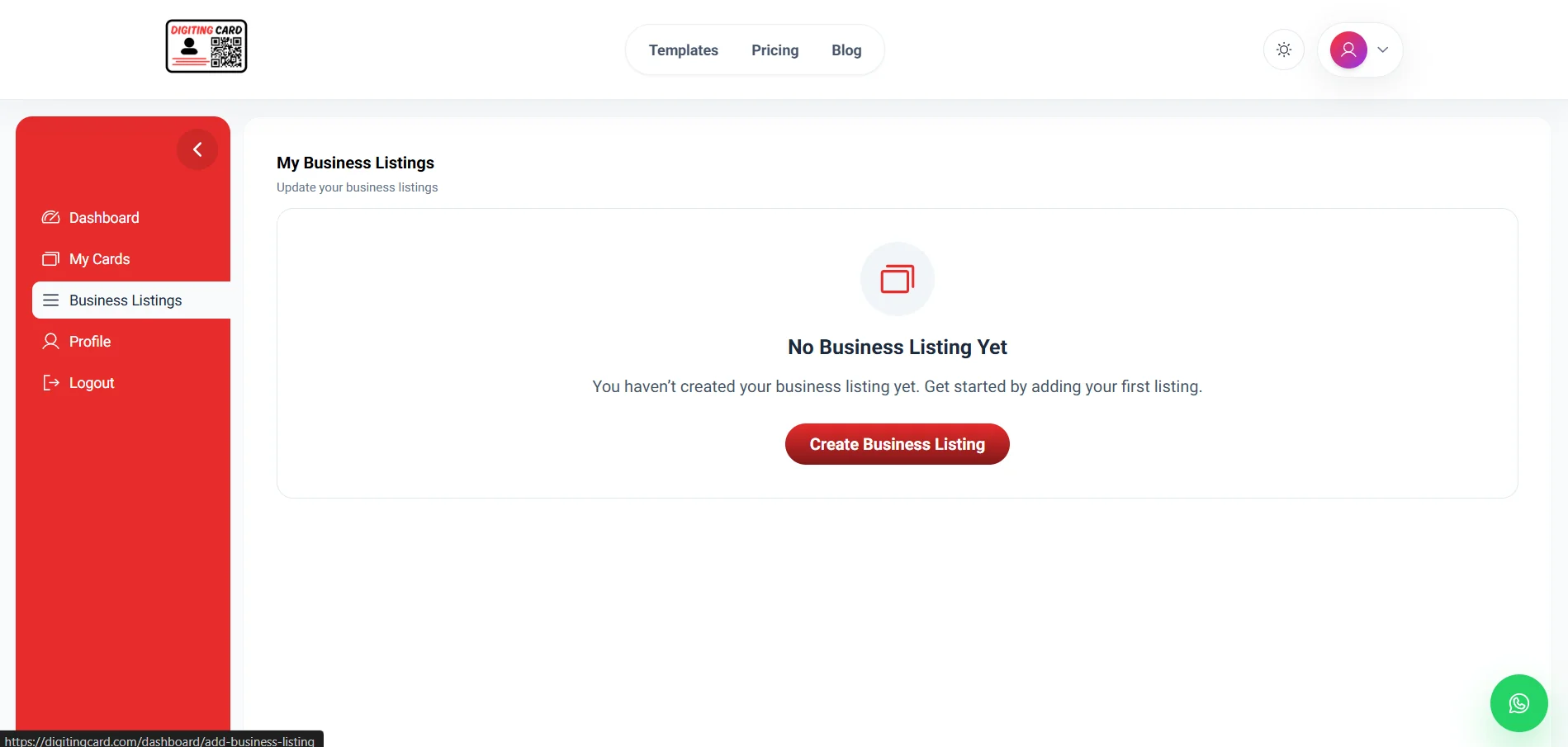
4. Open the Business Listing menu
From the dashboard menu, open the Business Listing section. This is where you can create and manage your listing request.
5. Fill in your business details
Add your business name, contact information, address, category, services, and other important details clearly. Accurate details help customers understand your business faster.
6. Submit your listing for review
After completing your details, submit the listing for review. Review helps keep listings useful, genuine, and properly formatted.
7. Wait for approval
Your listing request is usually reviewed within 1–2 days or earlier. After approval, your business listing can go live on Digiting Card.
8. Check notifications if changes are needed
If any detail is missing or needs correction, you will see a notification on the listing page. Update the required information and resubmit your listing.
Ready to add your business listing?
Create your account, open your dashboard, and submit your listing details for review.
Get started freeWhat details should you add?
Add information that helps customers understand your business and contact you without confusion. Avoid incomplete or unclear details.
- Business name
- Business category
- Phone number and WhatsApp number
- Email address
- Business address or service area
- Products or services
- Business description
- Website or social media links if available
Tips for a better business listing
A good listing should be accurate, easy to understand, and useful for customers. Before submitting, check your details like a first-time visitor.
- Use your real business name
- Choose the most accurate business category
- Keep phone number and WhatsApp details correct
- Write a clear business description
- Add services or products customers actually search for
- Check spelling, address, and contact details before submitting
Mistakes to avoid before submitting
Most listing issues happen because details are incomplete, unclear, or incorrect. Fixing these before submission can make review smoother.
- Using incomplete business details
- Adding a wrong phone number or inactive email
- Choosing an unrelated category
- Writing a vague business description
- Submitting without checking address or service area
- Ignoring the review notification if changes are requested
Final recommendation
If you want customers to discover and contact your business more easily, add a free business listing with accurate details, a clear category, and a useful business description. Submit it only after checking your contact information and service details carefully.
Frequently asked questions
How do I add a free business listing on Digiting Card?
Sign up or login, open your dashboard, go to the Business Listing section, fill in your business details, and submit the listing for review.
Is business listing on Digiting Card free?
You can add a business listing for free. Some advanced features or additional promotion options may depend on the platform plan and future feature availability.
How long does business listing approval take?
Business listing review usually takes 1–2 days or earlier. If any information is missing, you may need to update the listing and resubmit it.
What details are required for a business listing?
You should add your business name, category, phone number, email, address or service area, business description, and services or products.
Can I edit my business listing later?
Yes. You can update your business listing details from your dashboard when your contact information, services, or business details change.
Ready to add your free business listing?
Create your account, submit your business details, and improve your online presence with Digiting Card.