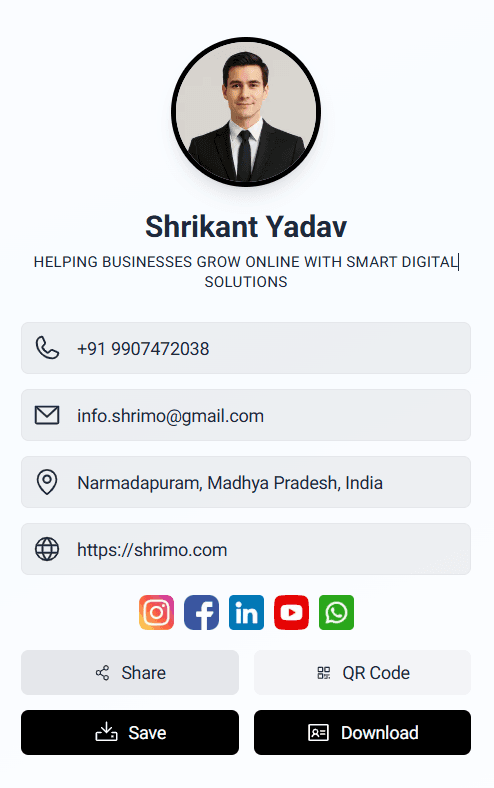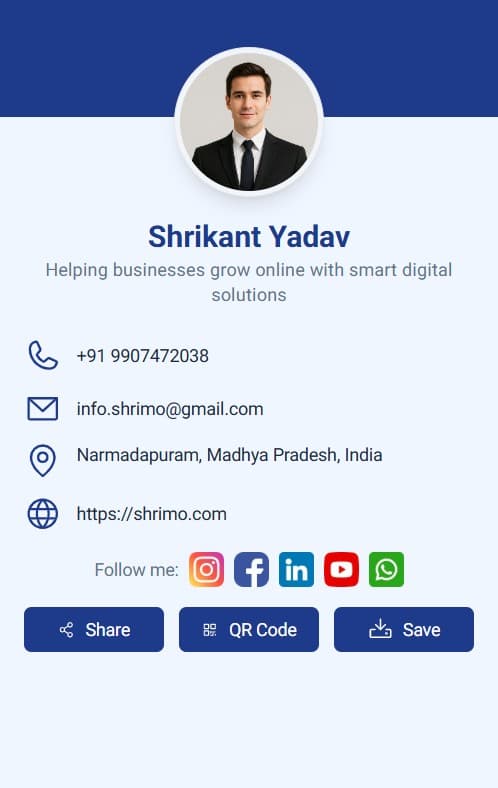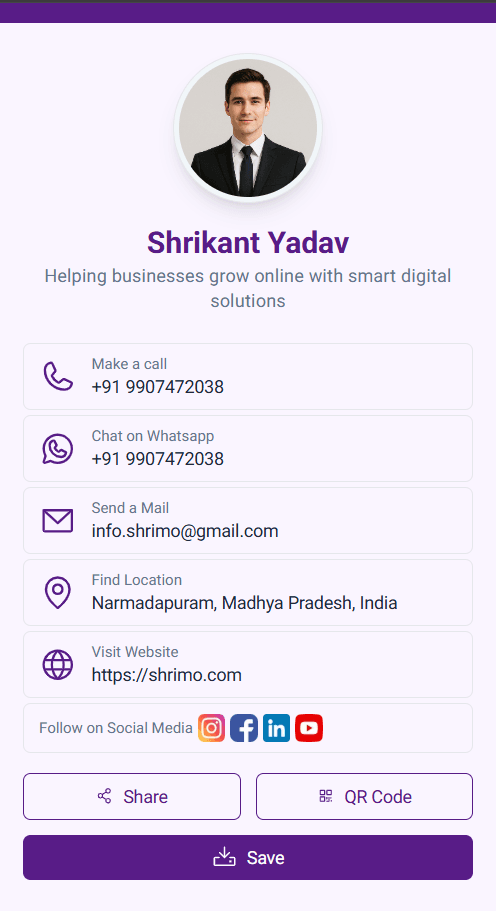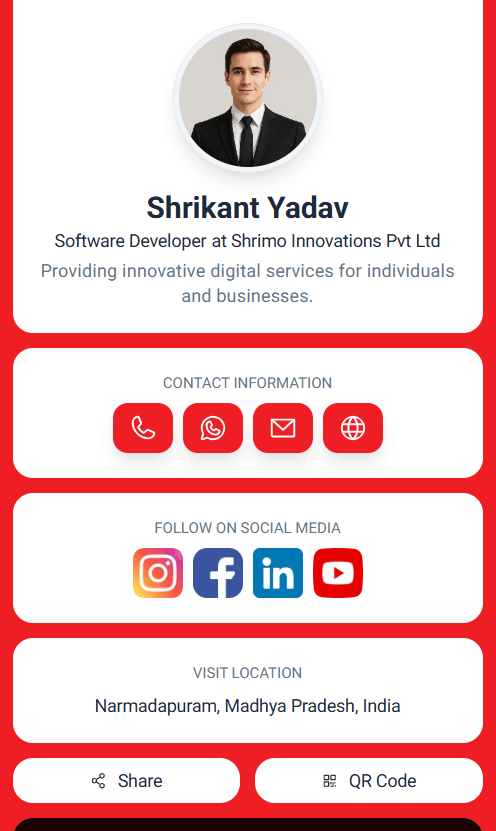
Launch your digital identity in minutes
Start with a ready-to-use template and create your card instantly, or upgrade to a premium custom design crafted by our experts.
* No app required, works on Android and iOS.
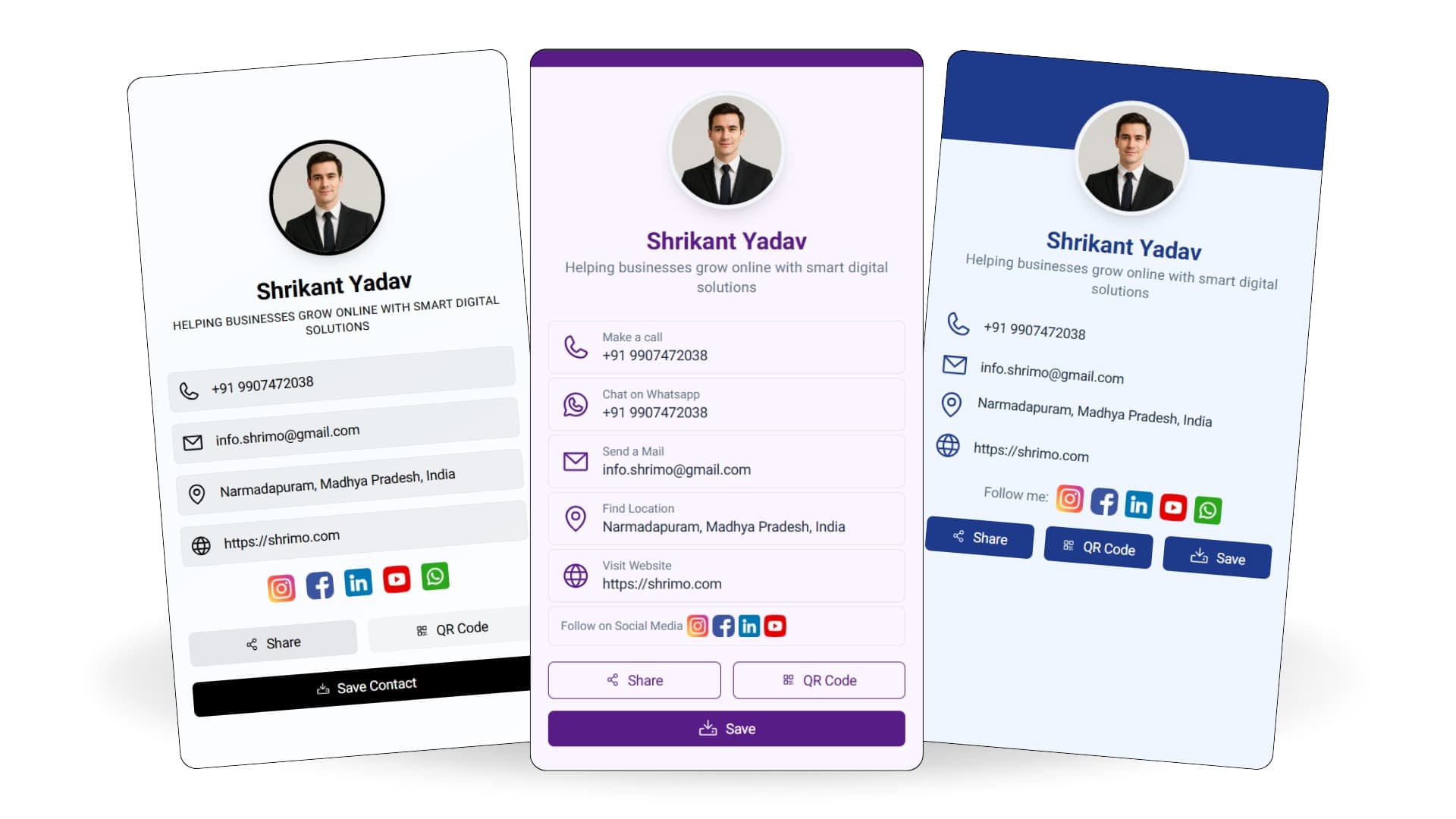
Create your digital visiting card using ready-made templates or request a fully custom design.
Share your digital business card instantly using a unique link.
Let people scan a QR code to open and save your digital visiting card.
Add Instagram, LinkedIn, Facebook, and other social media profiles in one place.
Visitors can call, email, or connect with you instantly from your digital card.
Allow clients to start a WhatsApp chat with one tap directly from your card.
Share your office or shop location with an easy Google Maps link.
Display your company information, services, and brand details professionally.
Users can save your contact details directly to their phone or download the card.
Share your digital visiting card instantly on WhatsApp, LinkedIn, Facebook, and more.
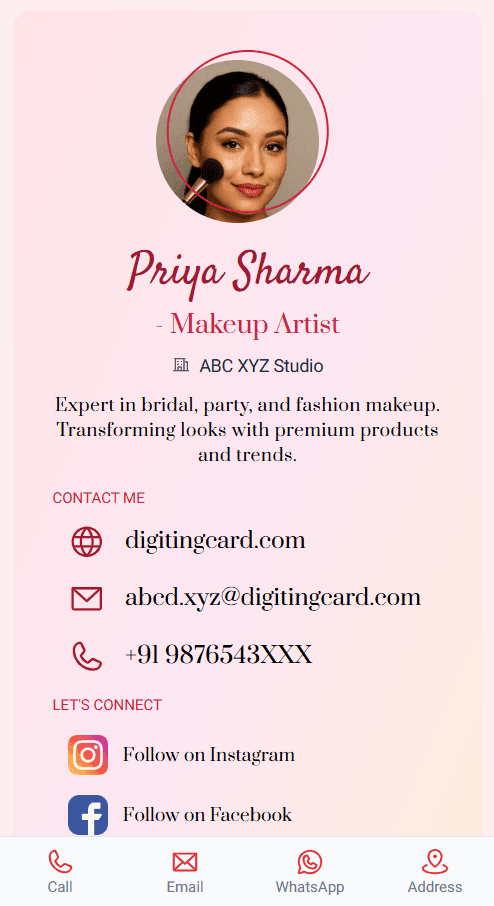
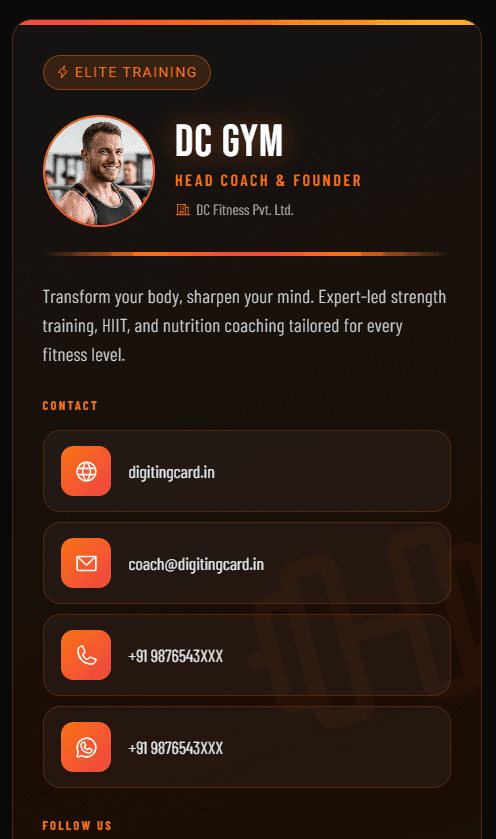
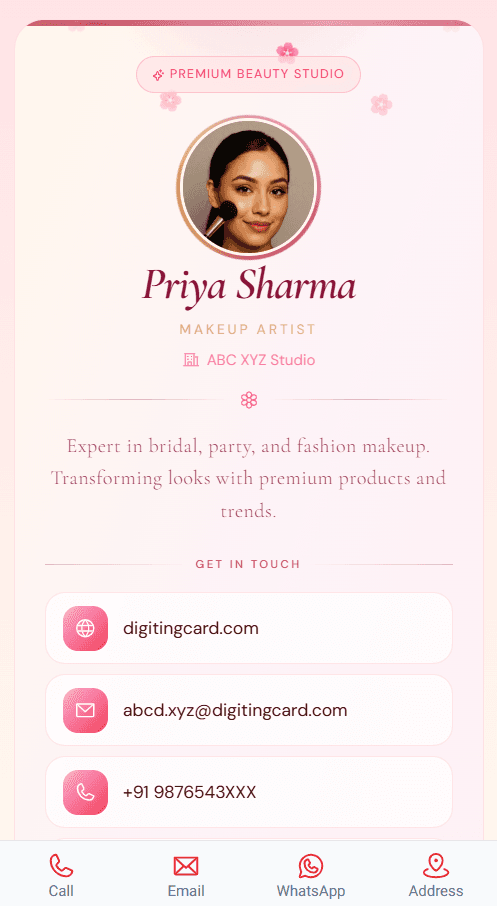
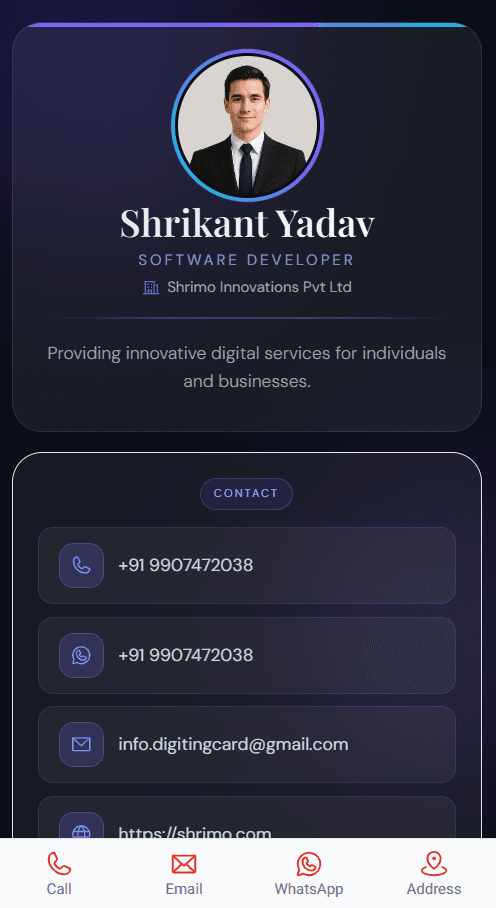
Choose from modern, professional, and creative digital card designs.
Add a YouTube or promotional video to introduce yourself or your business.
Browse our professionally designed digital business card templates and pick the one that matches your brand.
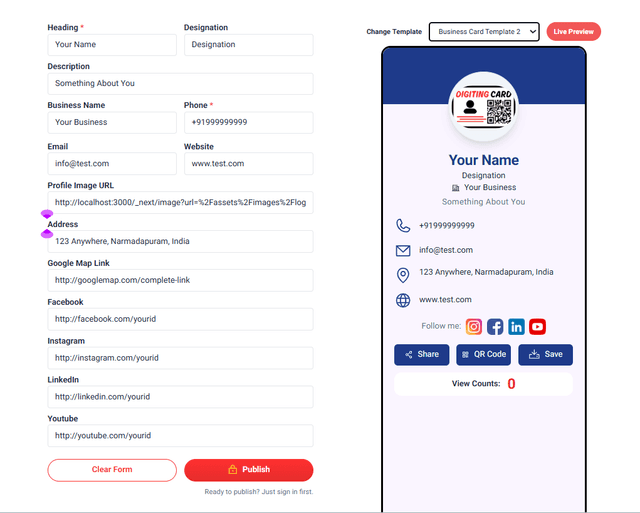
Enter your name, contact info, business details, social links, services, and other essential information.
See a live preview of your digital business card and make adjustments before publishing.
Publish your card and share it instantly using a QR code or unique link across WhatsApp, social media, and email.
If you are looking for a custom design for your busienss card.
Contact Us1 Year Access
Best for individuals starting their digital networking journey with a simple, customizable digital business card.
View Plan Details →1 Year Access
Includes Basic features plus extra custom sections, interactive links, and priority support - perfect for professionals and businesses seeking more interactivity.
View Plan Details →1 Year Access
Single-page mobile-responsive mini website with SEO-ready structure, hosted on Digiting Card - ideal for professionals or small businesses wanting a full digital presence.
View Plan Details →Pricing Varies
Fully tailored digital business card or mini website with unlimited features, personalized design, and dedicated support to match your brand identity.
View Plan Details →




Get started with Digiting Card and build your own online visiting card in minutes. Share your contact, brand, and social links with just one tap or scan.
Step-by-step guide to create your professional digital business card quickly and easily on Digiting Card.
Learn how to generate a scannable QR code for any URL and link it to your digital business card effortlessly.
Complete tutorial to edit your digital business card content, switch templates, and update your profile anytime.